What if record-book weekend disappeared?
Records are rarely missing because students did no work. They are missing because the work lived in feed notes, photos, texts, and receipts. RingStock captures it as it happens.
 RingStock
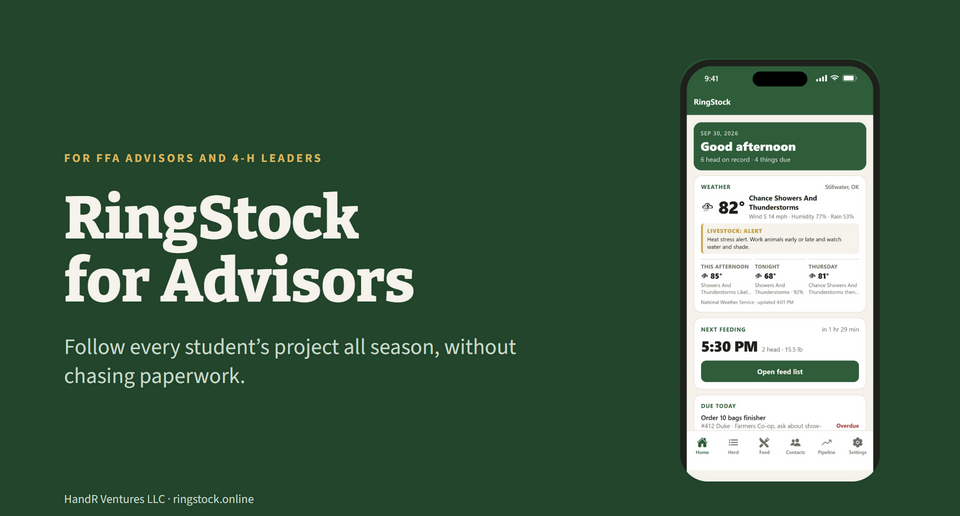
Students log feed, weights, health, expenses, and shows as the season happens. RingStock turns that work into a project record, and students can invite you to view it. Free for verified advisors, with onboarding materials for your class.
Records are rarely missing because students did no work. They are missing because the work lived in feed notes, photos, texts, and receipts. RingStock captures it as it happens.
Once you are verified you get a class code. Students type it when they create their account, and once a parent OKs it their project appears on My class: animals, weigh-ins, gain, record-book progress, and shows. Never the family's money, buyers, or contacts. No email addresses to collect, and the family can stop sharing at any time.
Add the animal, set the feed, log a weigh-in, and add the next show. Health, expenses, income, and results fill in the rest of the season record.
RingStock produces a complete PDF and an editable Word record. State and county requirements vary, and advisors still decide what meets local rules.
Every verified advisor gets free access, a class code, and onboarding materials for you and your students: the advisor walk-through slides and the student start sheet, as a link to share or a one-page PDF to print. My class on Windows and in the browser shows every student who shares with you on one screen, with the ones who need help listed first: last weigh-in, gain, record-book progress, and upcoming shows.
The pilot. Pilot programs also get two check-ins and a direct feedback line. In return we ask for honest input on how students use it and how the record-book format works for your program. Pilot programs shape what comes next.
Fifteen slides, about ten minutes on your own: setting up your class, how students join, what you see on My class and what stays with the family, finding who needs help, and how the record book comes together at the end of the season.
We never market to students through advisor contacts.